JD Frenzy GCash Deposit Failed: Common Errors and How to Fix Them
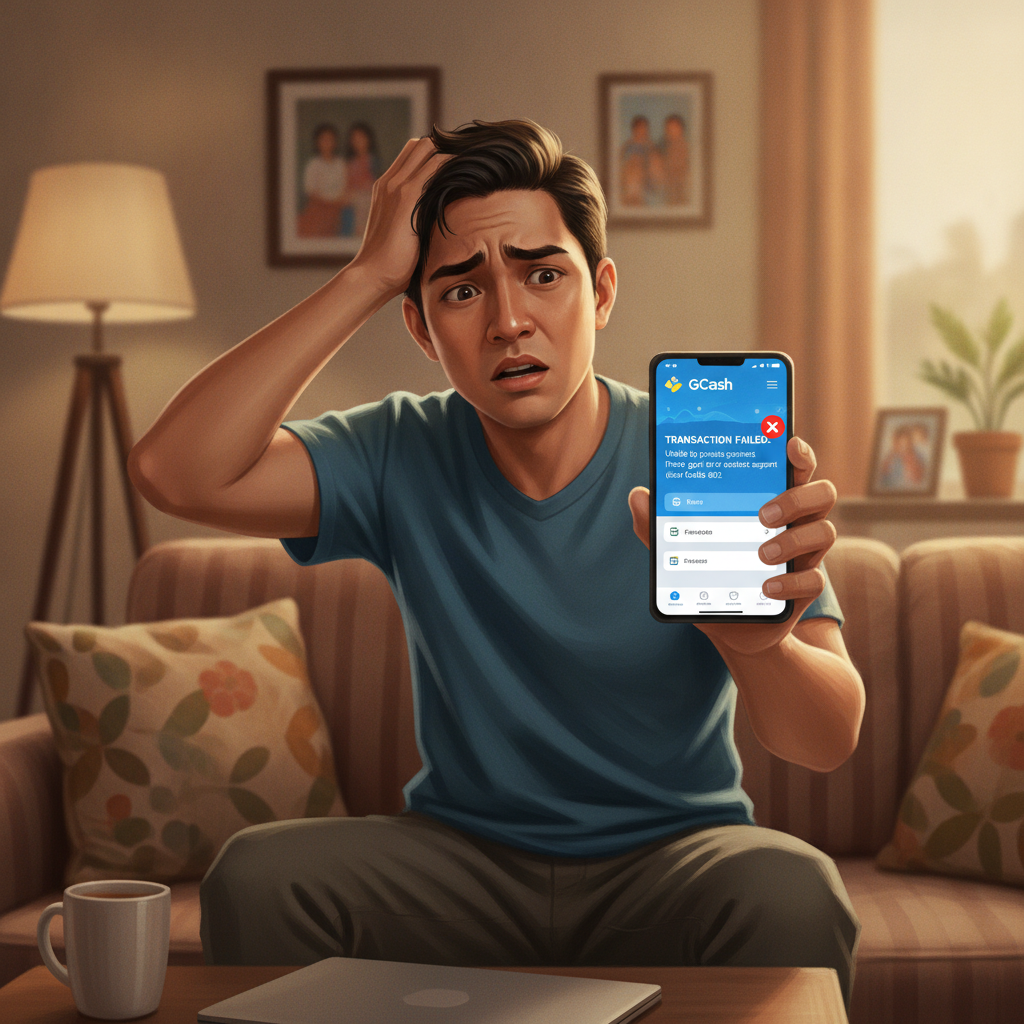
Why GCash Deposits Fail on JD Frenzy
When a GCash deposit fails on JD Frenzy, the transaction usually stops before money leaves your wallet—but not always. Understanding why failures happen helps you fix the issue faster.
Insufficient GCash balance is the most common reason. If your GCash wallet holds PHP 450 but you try to deposit PHP 500, the transaction will fail immediately. Always check your available balance in the GCash app before starting a deposit on JD Frenzy.
Daily transaction limits also block deposits. GCash sets different daily send limits depending on your verification level: fully verified accounts can send up to PHP 100,000 per day, while basic accounts face much lower caps. If you've already used GCash to pay bills or send money to friends earlier in the day, you may hit your limit when trying to fund your JD Frenzy account—even if your wallet balance looks fine.
Monthly wallet limits work the same way. A fully verified GCash account has a PHP 100,000 monthly transaction limit. Players who deposit frequently or make larger transfers can exhaust this cap mid-month, causing JD Frenzy deposits to fail until the limit resets.
Server and connectivity problems cause temporary failures. If GCash servers are overloaded during peak hours—early evening and weekends are common—the payment gateway may time out before confirming your deposit. Poor mobile signal or switching between Wi-Fi and mobile data mid-transaction can also interrupt the connection between JD Frenzy and GCash.
Incorrect details will stop the deposit. Double-check that you selected GCash as the payment method and entered the exact amount JD Frenzy displayed. Some players accidentally confirm a different payment channel or mistype the peso amount, triggering an automatic failure.
Maintenance windows occasionally block deposits. GCash schedules system upgrades, usually late at night, during which payments cannot process. JD Frenzy's payment provider may also perform maintenance. If you see a "service unavailable" message, wait an hour and try again.
How to Retry a Failed GCash Transaction
If your GCash deposit fails, wait at least five minutes before retrying. Payment gateways sometimes hold a pending authorization even after showing an error, and attempting again immediately can create duplicate requests that confuse both systems.
Check your GCash transaction history first. Open the GCash app, tap the menu, and review your recent transactions. If the failed deposit appears with a "Failed" or "Cancelled" status and your balance has not changed, you can safely retry. If nothing appears in your history, the request never reached GCash—restart the deposit process from the JD Frenzy cashier.
Verify your wallet balance and limits before the second attempt. Top up your GCash wallet if needed, or lower the deposit amount to fit within your remaining daily limit. If you're unsure of your current limit, check the GCash app's account settings or verification tier details.
Use a stable internet connection for the retry. Switch to Wi-Fi if you're on mobile data, or move to an area with stronger signal. Avoid starting the transaction while commuting or in places with intermittent coverage.
Clear the JD Frenzy app cache if you're using the Android APK. Go to your phone's Settings > Apps > JD Frenzy > Storage, then tap "Clear Cache." This removes temporary files that can interfere with the payment flow. You won't lose your login details.
Try a different device or browser if failures persist. Some Android phones or older mobile browsers have compatibility quirks with payment gateways. Switching to another phone or updating your browser can resolve these issues.
If three retry attempts fail, stop and wait at least one hour. Repeated rapid attempts may flag your account for fraud review, delaying deposits even longer. Use the waiting period to contact JD Frenzy support or check GCash's official social media for service announcements.
When Deposit Shows on GCash but Not in JD Frenzy Account
This is the most stressful scenario: your GCash transaction history shows "Success" and money left your wallet, but your JD Frenzy balance hasn't increased. It usually resolves on its own, but you need to act carefully.
Wait 15 minutes first. Payment confirmations sometimes lag between GCash and JD Frenzy's system, especially during high-traffic periods. The funds are in transit through the payment gateway. Refresh your JD Frenzy account balance by logging out and back in, or pull down to refresh if you're using the app.
Do not deposit again while the first transaction is pending. Adding a second deposit before the first clears makes it harder to track which transaction failed and can tie up more of your money.
Check the GCash reference number. In your GCash transaction history, tap the successful deposit to view details. You'll see a reference or transaction number—a string of letters and numbers unique to that payment. Screenshot this screen; you will need it if the delay extends beyond an hour.
Look for a pending status in JD Frenzy. Some versions of the JD Frenzy app and website show a "Pending Deposit" section in the cashier or transaction history. If your deposit appears there, the platform has received notice of the payment and is processing it. Pending deposits typically clear within one hour, though bank holidays or weekends can extend this to several hours.
One-hour rule: If your GCash shows success but JD Frenzy shows nothing after 60 minutes, contact support. The payment gateway may have encountered an error logging the deposit to your account. JD Frenzy's support team can manually check the transaction using your GCash reference number and credit your account.
Avoid spending the "missing" money elsewhere. Even though your GCash balance dropped, the funds are allocated to JD Frenzy. If you top up GCash and spend again, you might overdraw once the original deposit finally posts.
Contacting Support with Transaction Reference Numbers
When a deposit issue can't be resolved by waiting or retrying, JD Frenzy support needs specific information to trace your payment.
Gather these details before contacting support:
- Your JD Frenzy username or registered mobile number
- The exact deposit amount in pesos
- Date and time you attempted the deposit
- GCash transaction reference number (found in your GCash app transaction history)
- A screenshot of the GCash transaction showing "Success" or "Failed" status
Support agents use the GCash reference number to query the payment gateway's logs. Without it, they can only guess which transaction belongs to you—especially if multiple players deposited the same amount around the same time.
How to reach JD Frenzy support:
Most online casinos in the Philippines, including JD Frenzy, offer live chat as the fastest channel. Look for a chat icon or "Support" button in the JD Frenzy app or website. Live chat is usually available 24/7, with Filipino and English-speaking agents.
Email support is slower but useful for complex cases or when you want a written record. Include all the details and screenshots listed above in your first email to avoid back-and-forth requests for information.
Some platforms also offer Telegram or Facebook Messenger support. Check JD Frenzy's contact page for official handles. Beware of fake support accounts; only use links provided on the JD Frenzy website itself.
Response times vary. Live chat typically replies within minutes; email can take a few hours to one business day. If your deposit is urgent—say, you wanted to bet on a PBA game starting soon—emphasize the time sensitivity politely in your message.
What support can do:
- Confirm whether the payment gateway received your GCash transaction
- Manually credit your account if the deposit succeeded on GCash but failed to post
- Issue a refund to your GCash wallet if the transaction was duplicated or processed incorrectly
- Escalate technical issues to the payment provider if the problem is on their end
What support cannot do:
- Reverse a successful deposit back to GCash instantly (refunds follow a process and take time)
- Credit your account without proof of payment
- Override GCash's transaction limits or account restrictions
Always keep your tone respectful when dealing with support agents. They resolve issues faster when provided clear information and are more likely to prioritize polite, well-documented requests.
Preventing Future GCash Deposit Problems
Once you've resolved a failed deposit, a few habits will reduce the chance of repeating the experience.
Top up GCash ahead of time. Don't wait until you want to deposit to load your wallet. Add funds to GCash during off-peak hours when servers are less busy, so your balance is ready when you want to play.
Deposit during stable hours. Avoid late Friday and Saturday nights, when both JD Frenzy and GCash see peak traffic. Early mornings and weekday afternoons usually process faster.
Stick to common amounts. PHP 100, 200, 300, 500, and 1,000 are the most common deposit values and tend to process more smoothly than unusual figures like PHP 347.
Keep your GCash app updated. Outdated versions can have payment bugs. Check the Google Play Store regularly for updates.
Monitor your verification tier. If you plan to deposit larger amounts or more frequently, complete GCash's full verification to unlock higher daily and monthly limits.
21+ Only and Responsible Gambling Reminder
JD Frenzy is strictly for players aged 21 and over. Online gambling should be entertainment, not a way to solve financial problems. Set a deposit limit you can afford to lose, and never chase losses by depositing more than planned.
If you feel your gambling is becoming difficult to control, take a break. Many platforms, including JD Frenzy, offer self-exclusion tools. You can also reach out to local support organizations for confidential help.
GCash deposits are fast and convenient for most players, but technical hiccups happen. By understanding common errors, knowing how to retry safely, and keeping transaction records handy, you can resolve issues quickly and get back to playing responsibly.